One sentence, no typing
Worth Installing · 01 · 13-09-2026
That message you keep putting off? Say it instead.
What it is
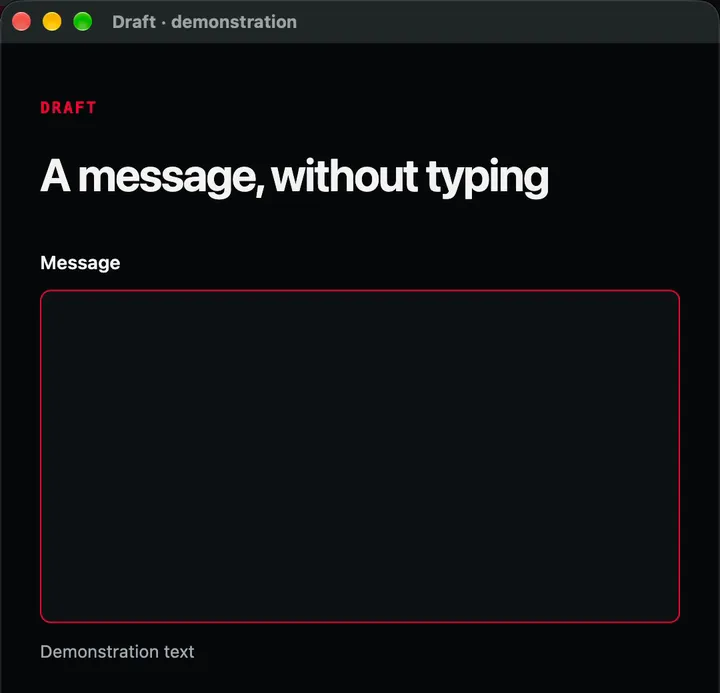
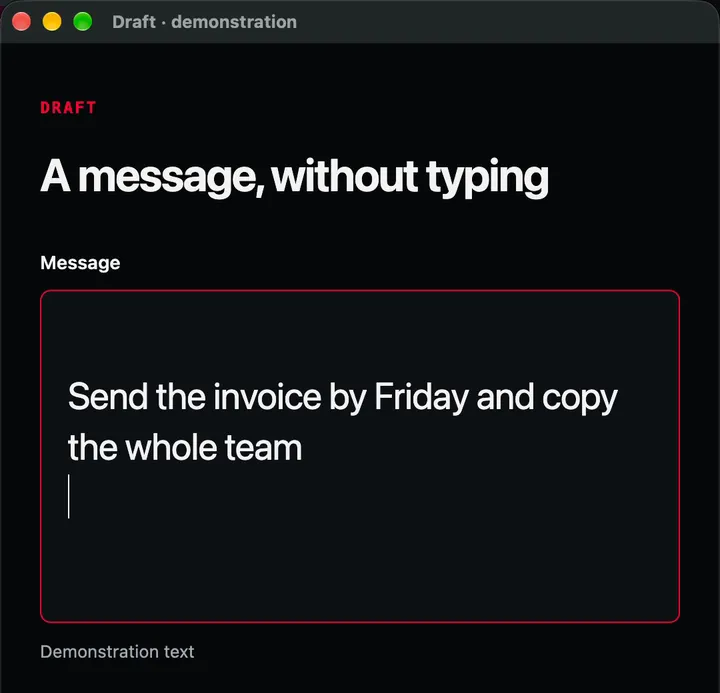
Free, open source dictation for your computer. Press a shortcut, say what you need, and the text appears wherever you were typing: an email, a note, a long prompt.
Why this one
You download a speech model once, and from then on dictation works offline, on your own machine. There's no account and no subscription, and it's the same app on Mac, Windows and Linux.
That's the whole trick, and it's why it's worth installing. It works in any app, because it simply puts the text where your cursor already is. Hold the key while you talk, or tap to start and tap to stop.